
Invite-only TradingView indicator
Access the base PrimeSync script through TradingView’s invite-only library.
TradingView indicators and strategies built around confirmation and clear risk levels.
PrimeSync turns raw chart movement into a structured setup you can inspect, plan, and act on—while every execution decision stays in your hands.
At bar close, PrimeSync reads the relationship between price, volume, volatility, trend, VWAP, and the 150-period moving average.
Conditions evaluatedHistorical testing helps review defined rules. Randomized trade-sequence analysis can also explore drawdown sensitivity; neither method guarantees future results.
Understand the workflow first.
BEST FORLearning the PrimeSync workflow
The base PrimeSync indicator plots clear arrows to show the active trend. It does not include TradingView alerts or mapped risk levels.
FREE
Access the base PrimeSync script through TradingView’s invite-only library.
See the active directional bias directly on the chart.
Explore the base structure behind the PrimeSync workflow.
No payment required. A Whop account is required to activate access.
Explore the original PrimeSync backtesting views from 1 minute through 4 hours. Select a timeframe to inspect its results.
PrimeSync.Strategy tested on the 1-minute timeframe.
PrimeSync.Strategy tested on the 5-minute timeframe.
PrimeSync.Strategy tested on the 15-minute timeframe.
PrimeSync.Strategy tested on the 30-minute timeframe.
PrimeSync.Strategy tested on the 1-hour timeframe.
PrimeSync.Strategy tested on the 4-hour timeframe.
PrimeSync separates product capability, historical research, independent reviews, and subscription terms so each claim can be judged on its own.
See what the six historical views show, what costs may be missing, and why past results cannot predict future performance.
Read methodology ↗Cancel anytime. Access remains active until the end of your billing period. Review the complete subscription and risk terms.
Read the terms ↗Turn your trading ideas into strategies with PrimeSync AI Studio. Define your rules, build TradingView code, and evaluate your backtest results with Monte Carlo analysis—all through ChatGPT or Claude.
Explore AI Studio Your rules. Research-backed development. Evidence before conclusions.PrimeSync is built for traders who want a clearer process—not more chart noise.
PrimeSync began as a private tool built to solve a problem every trader understands: staying disciplined when the market feels uncertain. What started as one trader's personal system is now growing into something built to learn, improve, and move forward with its members.
PrimeSync Basic provides the base indicator with trend-direction arrows. PrimeSync Pro adds TradingView alerts and mapped trade levels. PrimeSync Max includes the indicator plus the backtestable strategy system and its 12 market profiles.
Yes. You can execute every setup manually or route Max TradingView alerts through a compatible third-party automation service.
Open the TradingView access page inside your PrimeSync Whop membership and enter your TradingView username. Access is determined by your tier. No email request is needed.
Yes. There is no long-term lock-in, and access remains active until the end of your current billing period.
Checking question balance…
Answers from PrimeSync AI about plans, access and setup. Uses your website question allowance, separate from Studio analysis jobs.
Sending a question is optional; it is needed to provide an answer. How PrimeSync processes your data and your rights
Notice the setup. Understand the risk. Choose the execution.
Get PrimeSync Max Trading involves risk. Past performance does not guarantee future results.Explore chart examples with mapped entry, stop-loss and take-profit levels.
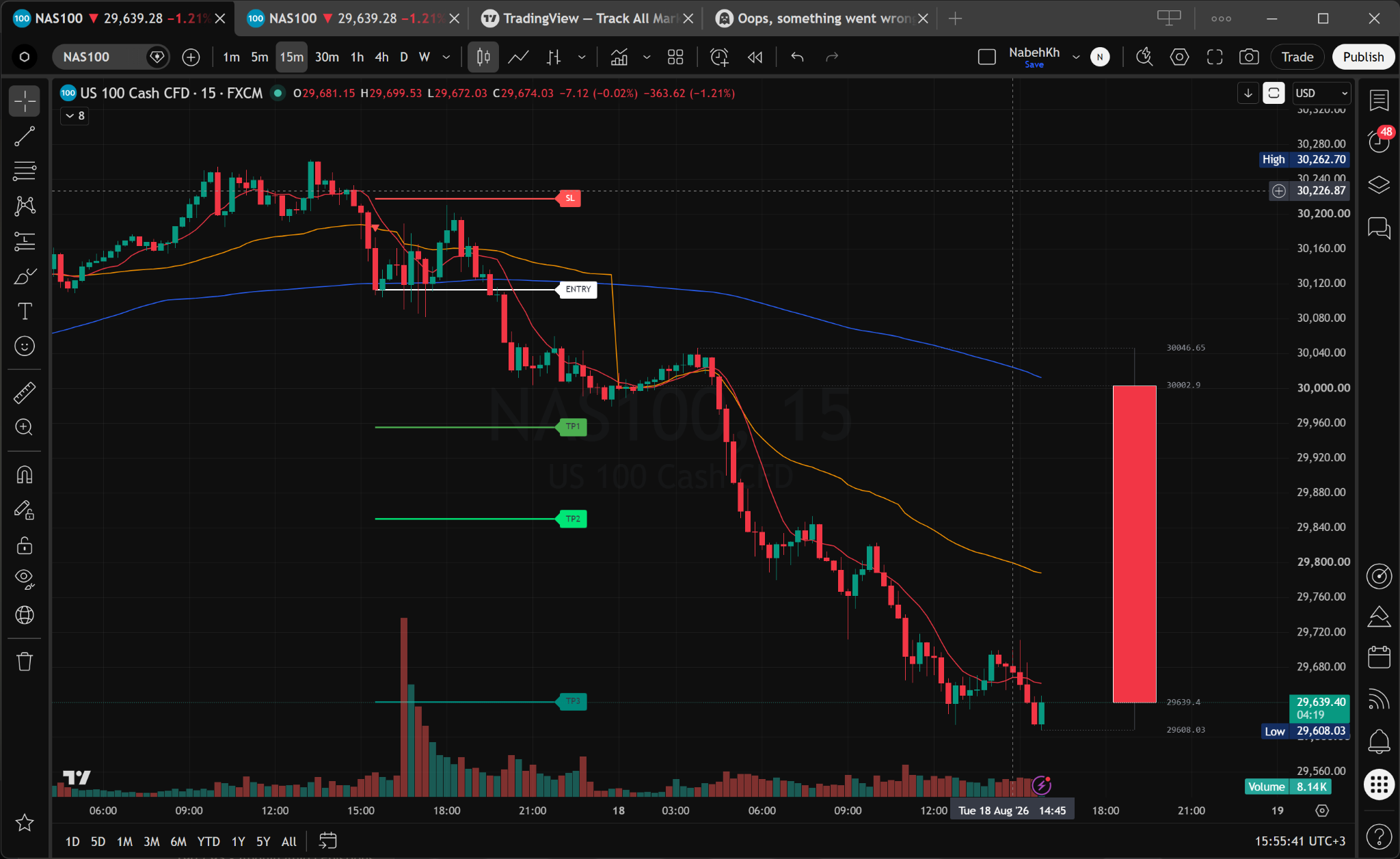
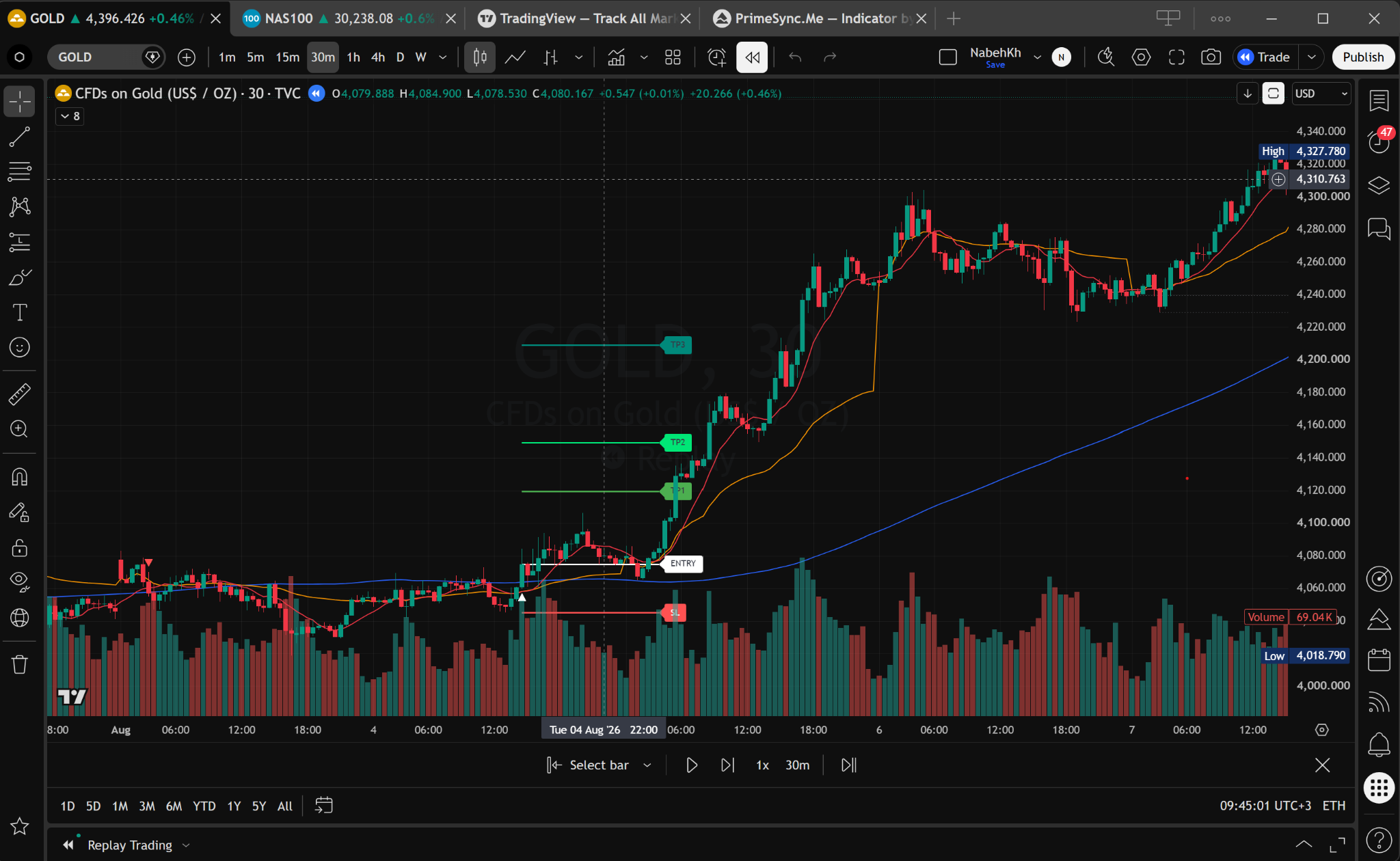
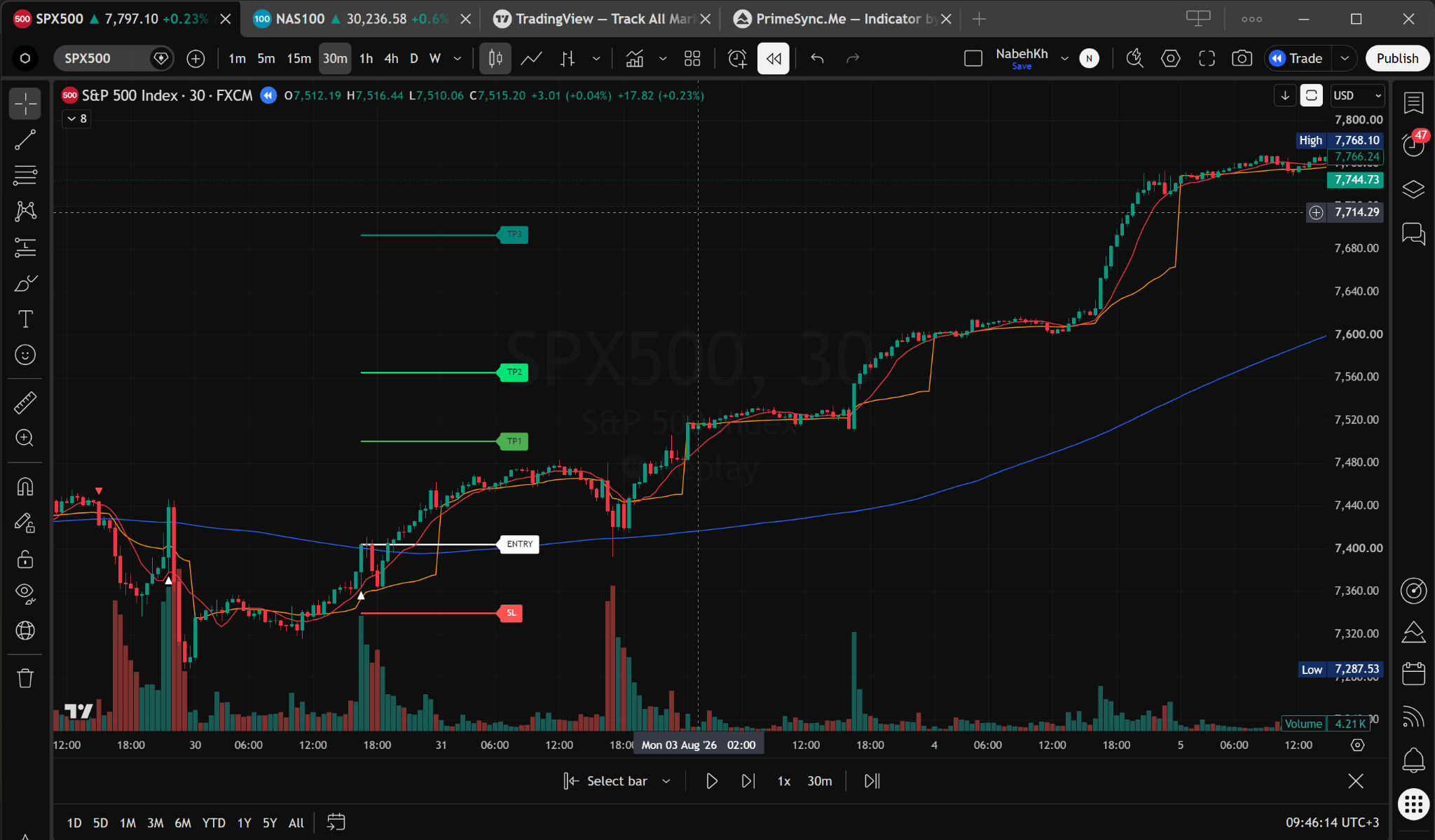
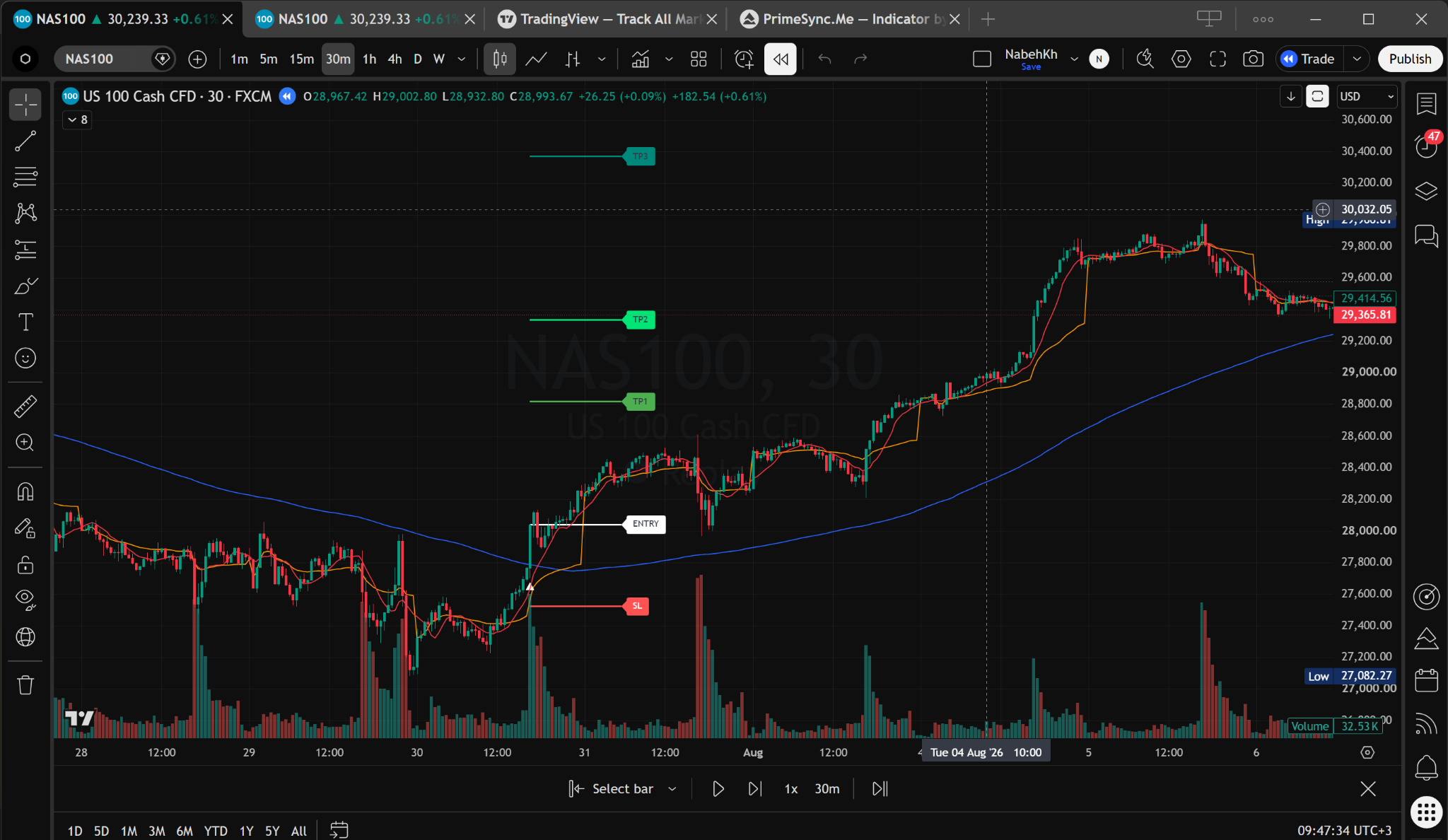
Illustrative historical charts, including Bar Replay examples. These are not verified trade results or a promise of performance. Trading involves risk; past performance does not guarantee future results.